Patient Check-In and Self-Service Kiosks for Hospitals and Clinics
Shorten registration queues and keep clinic reception focused on patients: arrival check-in, identity verification, appointment confirmation, queue ticket printing and report or prescription collection on one cleanable, continuous-duty terminal — integrated with your HIS through open SDKs and APIs.
Fewer Queues at Reception, More Time for Patients
Faster Arrival Check-In
Patients confirm their appointment by ID card, barcode or QR code and are routed to the right department without waiting at the registration window.
Queue Ticket Printing
A built-in thermal printer issues numbered queue tickets and visit slips, so waiting-room flow is managed per department or doctor.
Identity Verification
ID/passport readers, barcode scanners and cameras are added per workflow to capture identity data for registration.
Report and Prescription Pick-Up
Printers and configurable internal storage support collecting reports or prescriptions after identity confirmation.
Wayfinding and Information
The same screen can show department locations, visiting hours and notices in several languages.
HIS-Ready Platforms
Windows, Android or Linux with documented SDK/API hooks for hospital information, appointment and payment systems.
A Six-Step Self-Service Registration
- 1. Identify the patient by ID card, barcode, QR code or appointment number
- 2. Confirm the appointment and the department or doctor
- 3. Update contact and registration details on the touchscreen
- 4. Pay a deposit or fee where the workflow requires it, through a connected payment module
- 5. Print the queue ticket and visit slip
- 6. Return later to collect reports or prescriptions after identity confirmation
The exact steps, fields and payment options are defined by your hospital information system and your integrator's application.
Configure Your Kiosk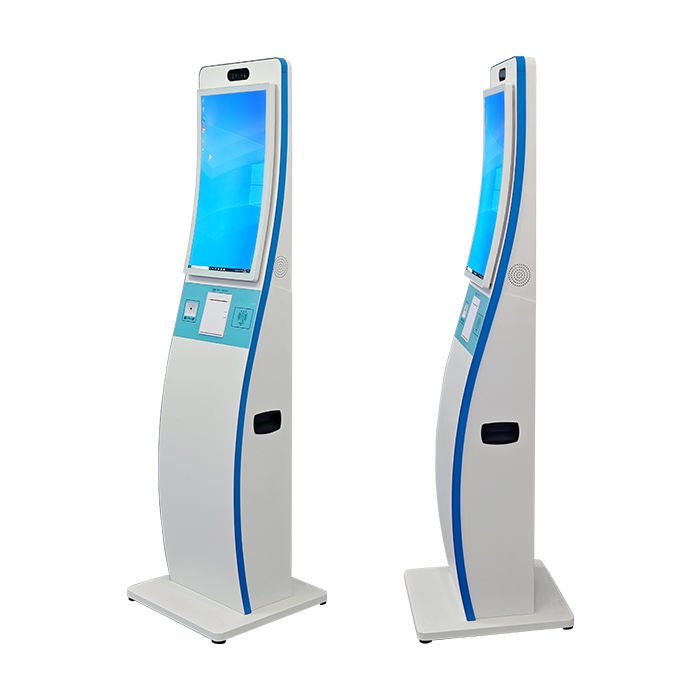
Specified for Frequent Cleaning and All-Day Operation
Clinic lobbies run from early morning to late evening and are wiped down often. Our hardware platforms are configured around these conditions:
- ✓ Smooth, easy-to-clean enclosures and touchscreens suited to routine disinfecting wipes (confirm cleaning agents with us for your project)
- ✓ Continuous-duty components with 20+ pre-shipment tests and extended-warranty options
- ✓ ID/passport reader, barcode scanner, camera and printer modules chosen per workflow
- ✓ Windows, Android or Linux with SDK/API hooks for HIS and appointment systems
- ✓ Custom branding, colors and accessibility-friendly ergonomics for OEM partners
Platforms That Fit Hospital and Clinic Lobbies
Curved Compact Self-Service Kiosk
23.6″ compact body with 1D/2D scanner, IC/ID induction and 80mm printer for queue tickets.
View product →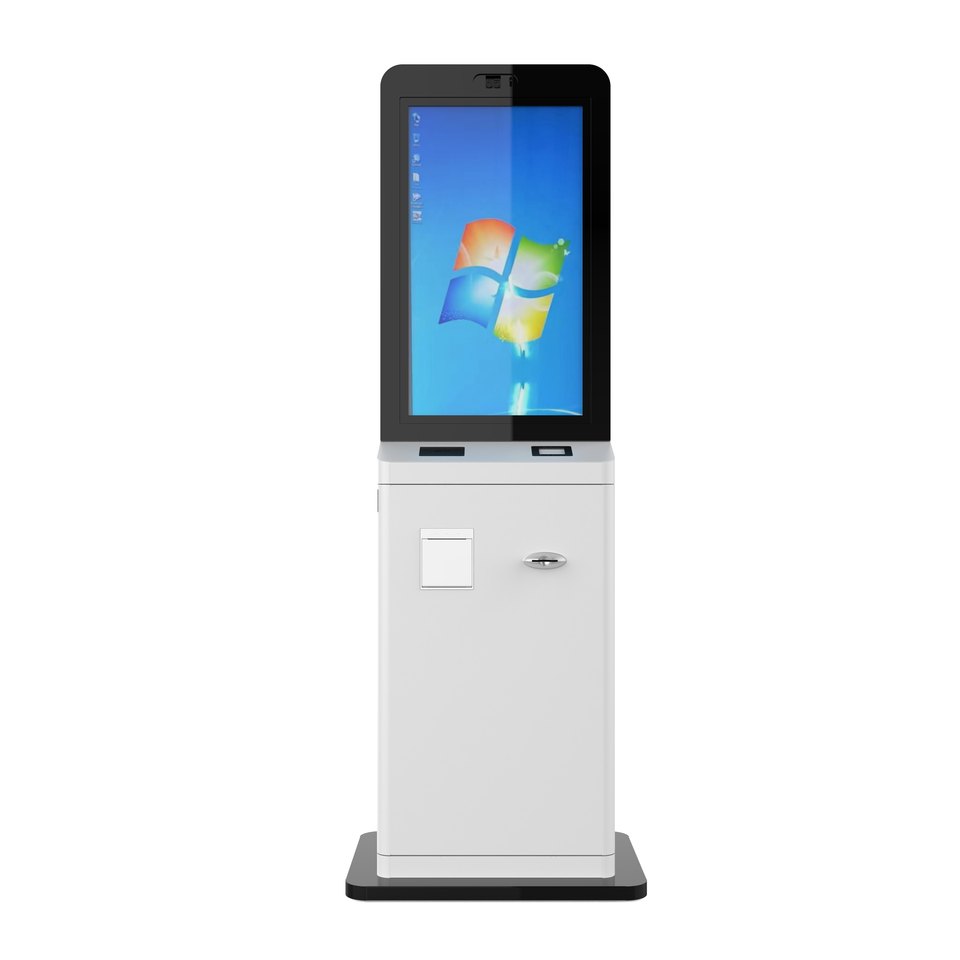
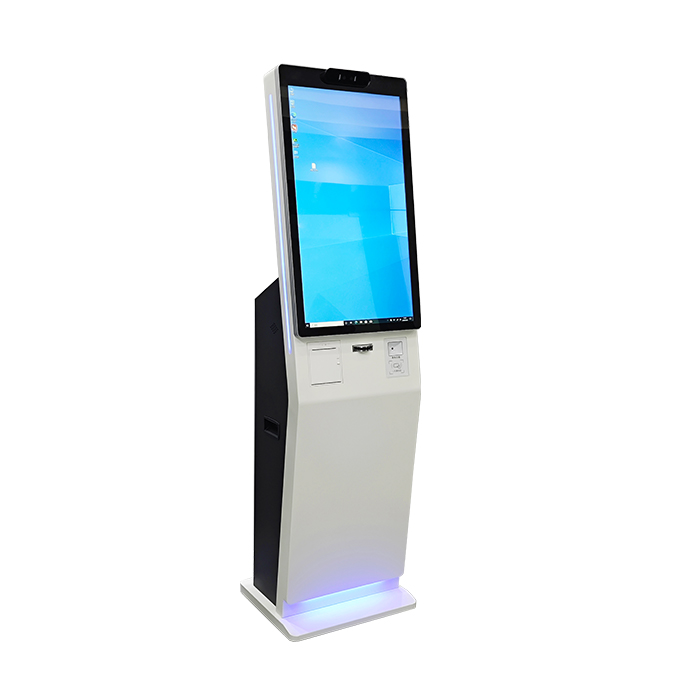
Secure Cabinet Self-Service Kiosk
Lockable front cabinet with configurable internal storage and built-in printer.
View product →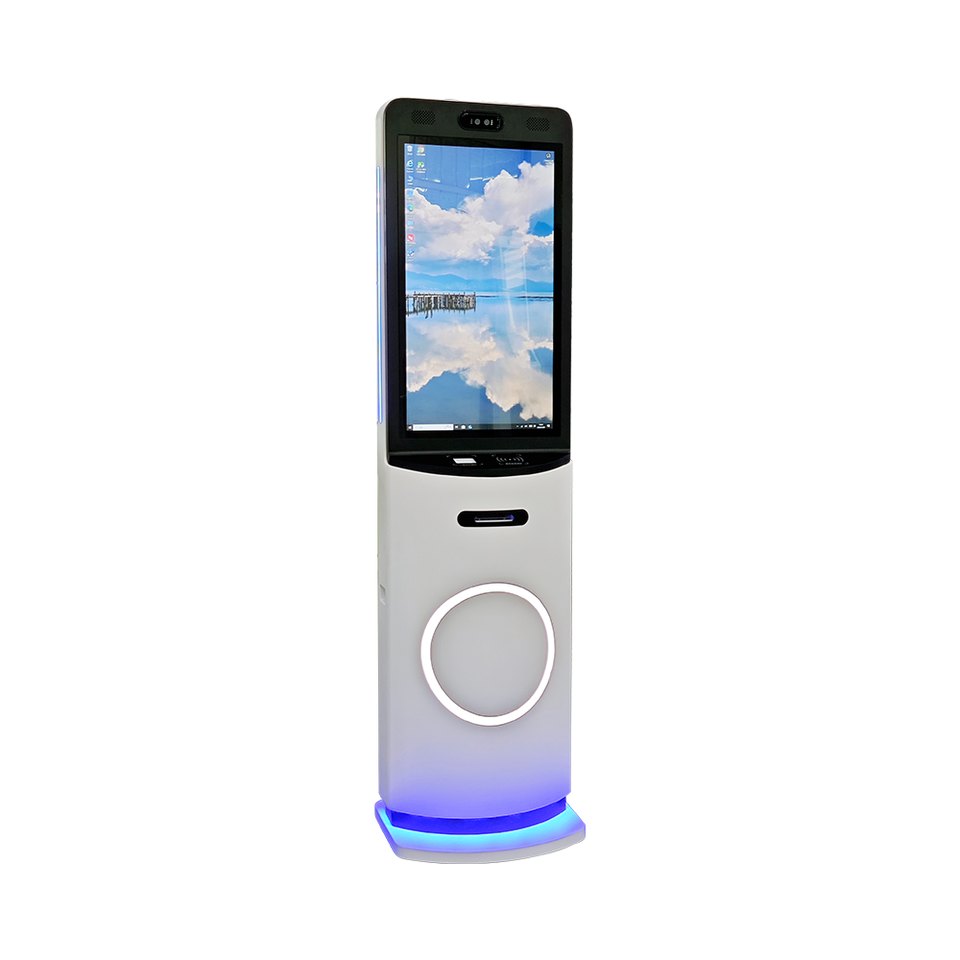
Multi-Service Self-Service Kiosk
One menu for ID verification, document services and information inquiry.
View product →From Workflow Mapping to Multi-Site Roll-Out
Workflow Mapping
Registration, queue and collection steps are mapped with your clinical and IT teams.
Module Selection
Readers, scanners, printers and payment modules are matched to your HIS and market.
Integration
SDK/API joint debugging connects your application to each peripheral in kiosk mode.
Pilot Site
A pilot in one lobby validates patient flow and staff exception handling.
Branding & Production
Custom colors and logo, with consistent units built under line QC.
Roll-Out & Care
Batch delivery, spare modules and remote support keep reception running.
Healthcare Kiosk Questions
What can a patient self-service kiosk do in a hospital or clinic?
Can the kiosk integrate with our hospital information system (HIS)?
Are MHY kiosks medical devices?
Can the enclosure be cleaned with hospital disinfectants?
Planning a Patient Self-Service Project?
Tell us your HIS, workflow and number of sites — get a recommended configuration and quote within 24 hours.
Talk to an Engineer