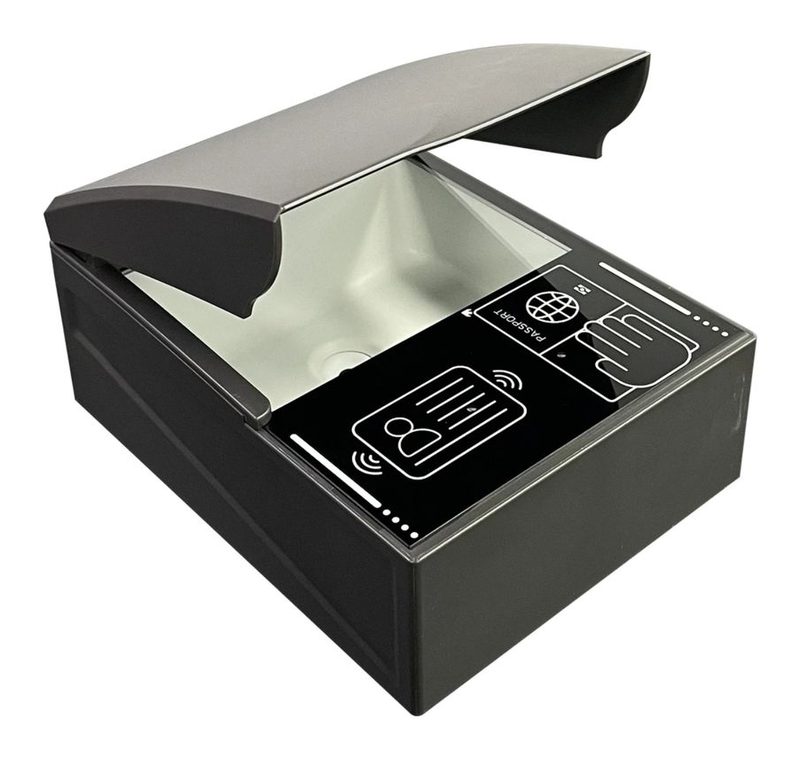
Smart Full-Page Passport Reader
A full-page document reader with a printed on-panel guide that marks out separate zones for passport scanning, ID card placement and fingerprint capture — helping first-time users position their document correctly without staff assistance, alongside the same full-page OCR engine and optional RFID/UV/IR authentication as our other full-page models.
- ✓ On-panel visual guide for passport, ID and fingerprint zones
- ✓ Full-page MRZ/OCR document capture
- ✓ Optional RFID e-passport chip and UV/IR authentication
- ✓ Optional fingerprint capture module
- ✓ Windows and Android SDK included
Model MHY-CR300-SM · samples available · bulk lead time 15–25 days
Guided Capture for Self-Service Use
On-Panel Capture Guide
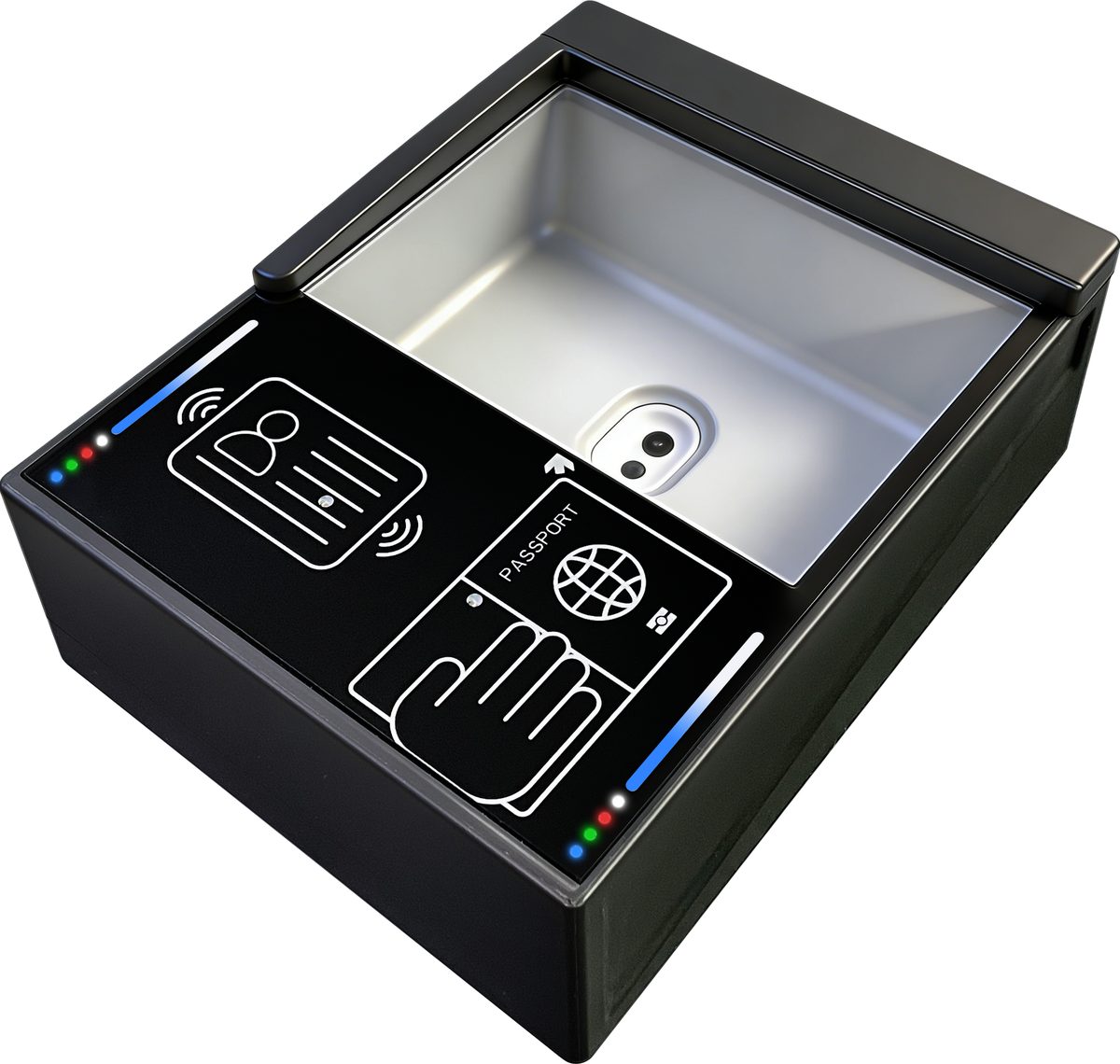
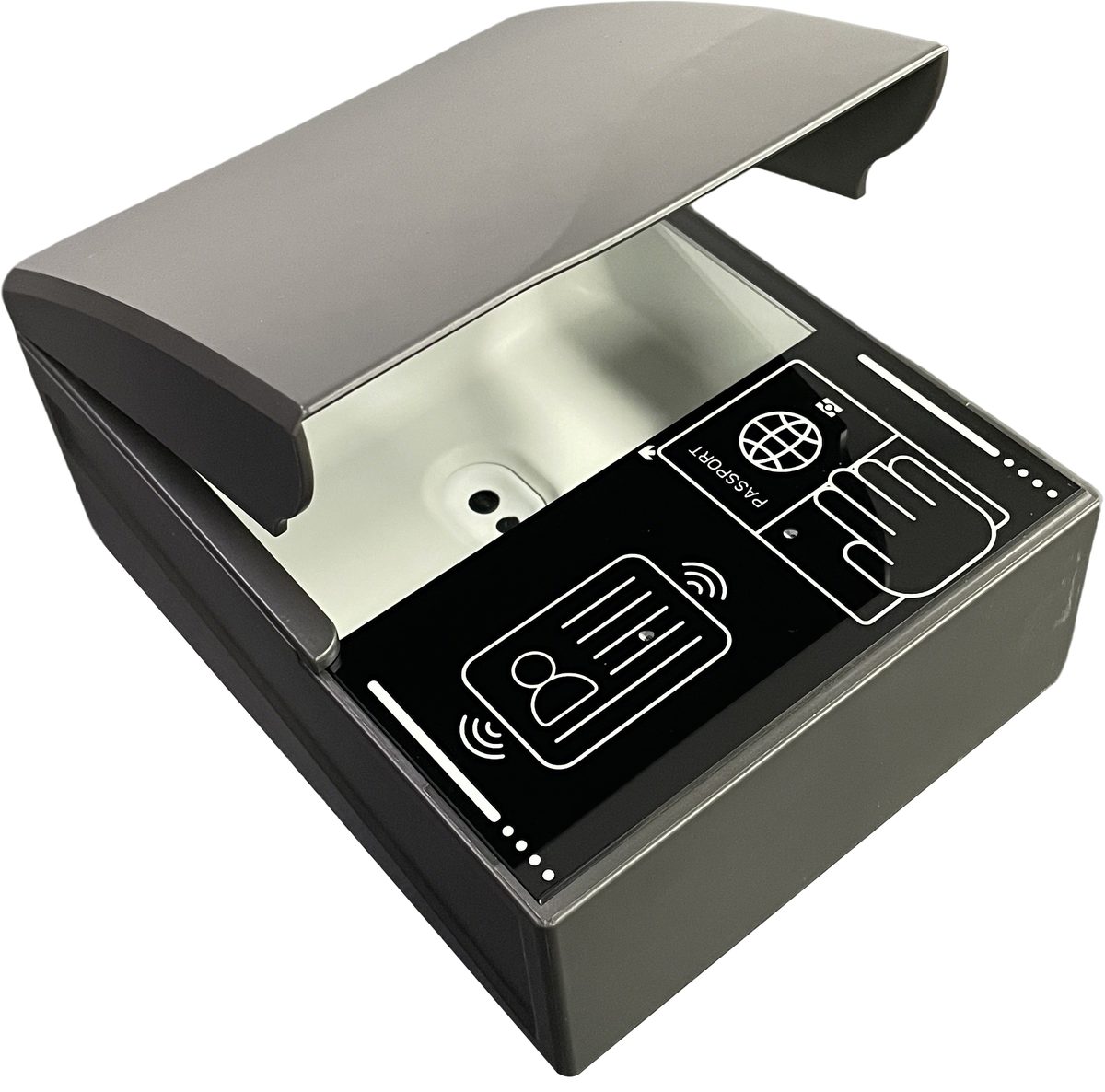
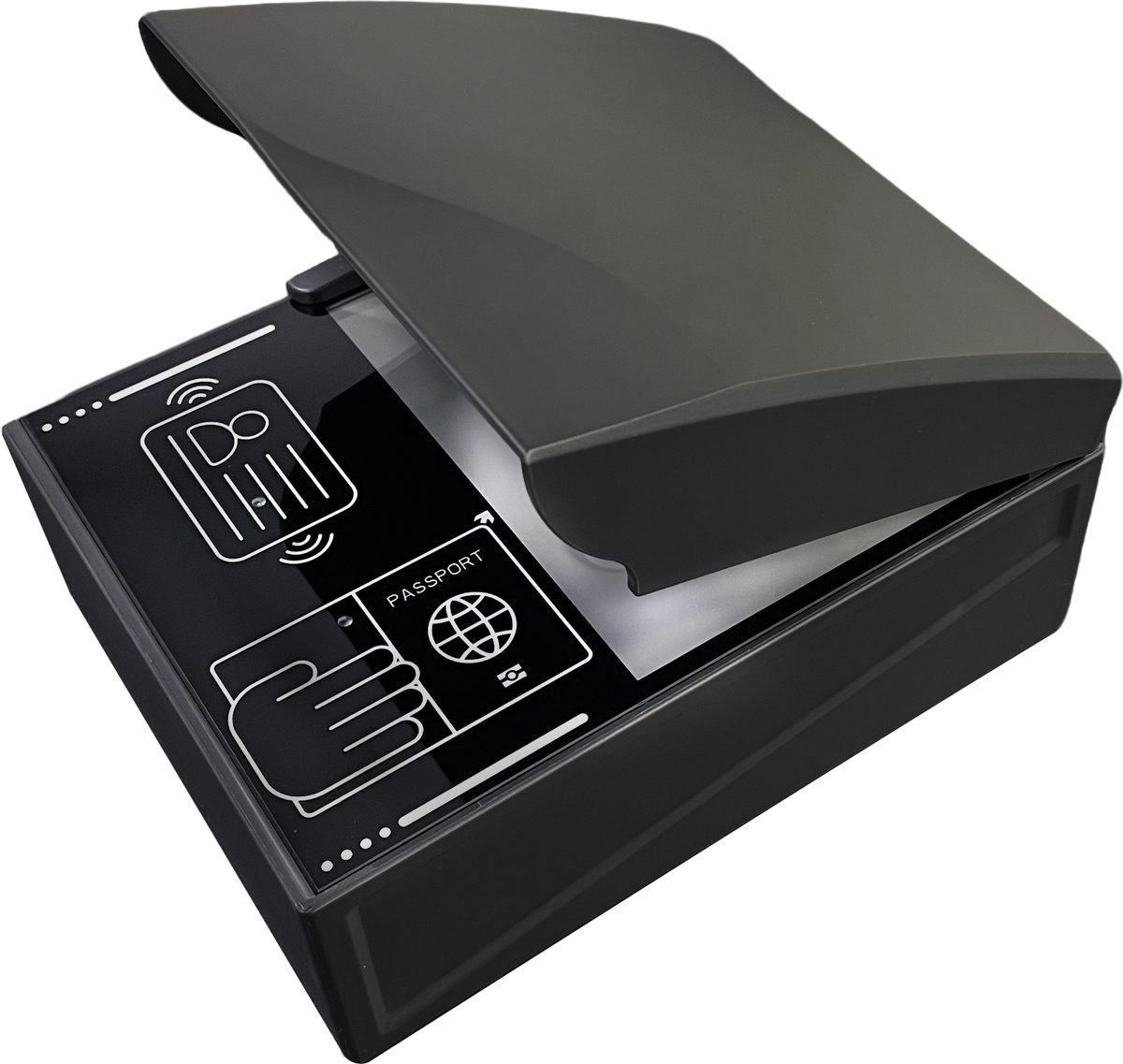
Printed icons mark separate zones for passport pages, ID cards and fingerprint placement, helping users position documents correctly on the first try — useful for self-service and unattended installations.
Full-Page Document Capture
Captures the entire passport photo page — visible-light image plus MRZ text — for archival and visual verification alongside machine-readable parsing.
Optional Fingerprint Capture
A marked fingerprint zone supports an optional fingerprint capture module for projects that need biometric verification alongside document scanning.
Optional UV/IR Authentication
Add ultraviolet and infrared imaging channels to inspect security features like fluorescent fibers and hidden patterns, alongside standard white-light capture.
Technical Specifications
Reference configuration of model MHY-CR300-SM. RFID, UV/IR and fingerprint capture are configuration options; ask for the latest SDK documentation.
| Model | MHY-CR300-SM — smart full-page passport/document reader with on-panel guide |
|---|---|
| Supported Documents | Full-page passports, visas, ID cards and other machine-readable travel documents |
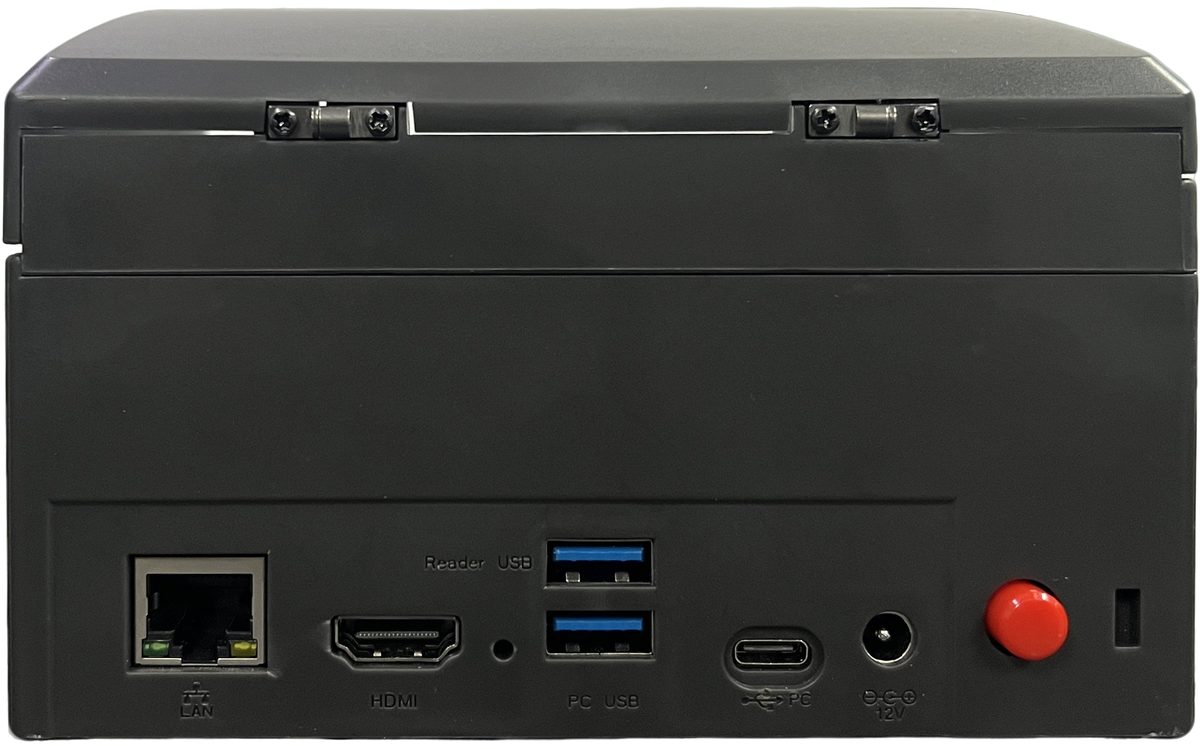
| Scanning | Full-page OCR/MRZ under the canopy hood; on-panel icons guide passport, ID card and fingerprint placement |
| RFID (optional) | ISO/IEC 14443 Type A/B, 13.56 MHz, e-passport/e-ID chip reading per ICAO 9303 |
| Imaging (optional) | UV and IR illumination channels for document authenticity checks, in addition to standard white light |
| Biometric (optional) | Fingerprint capture module, using the marked panel zone |
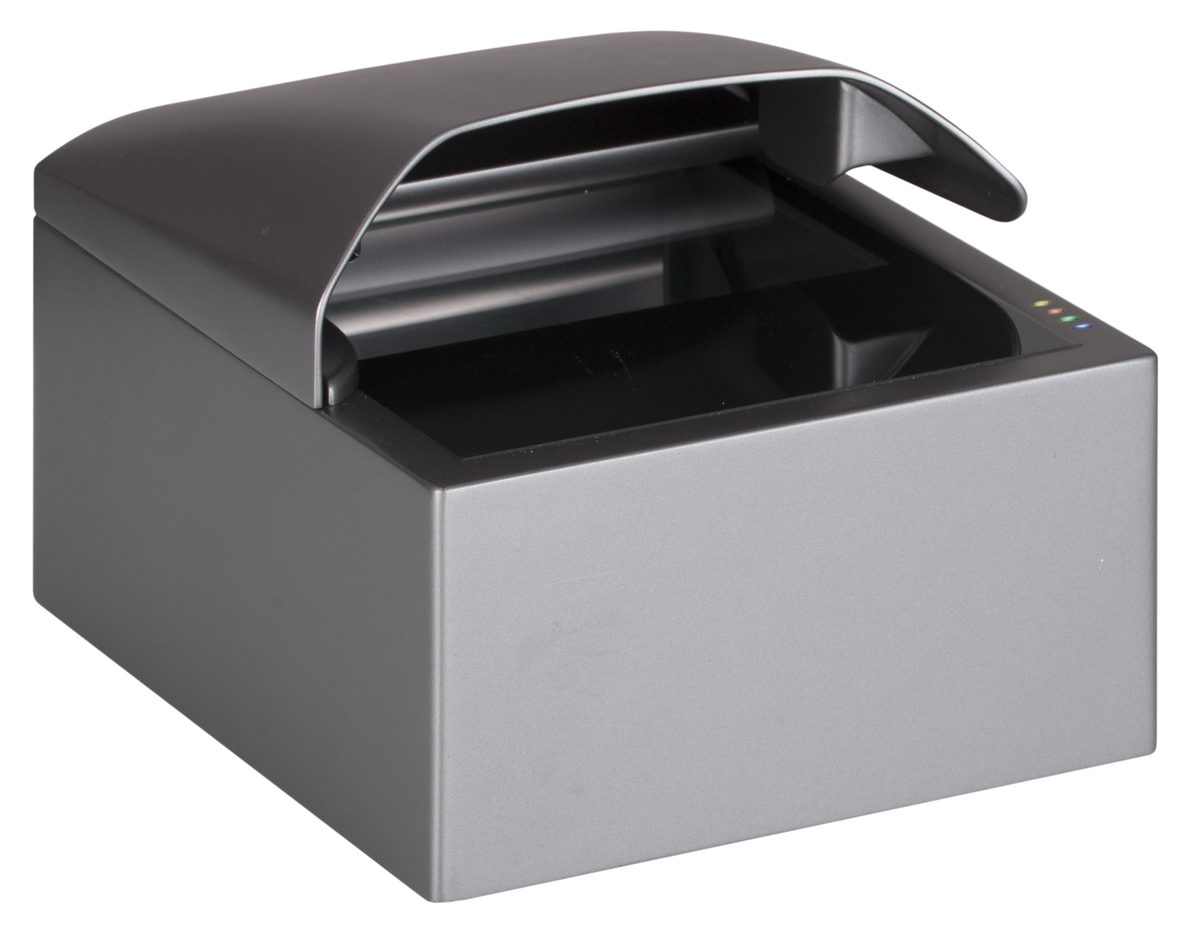
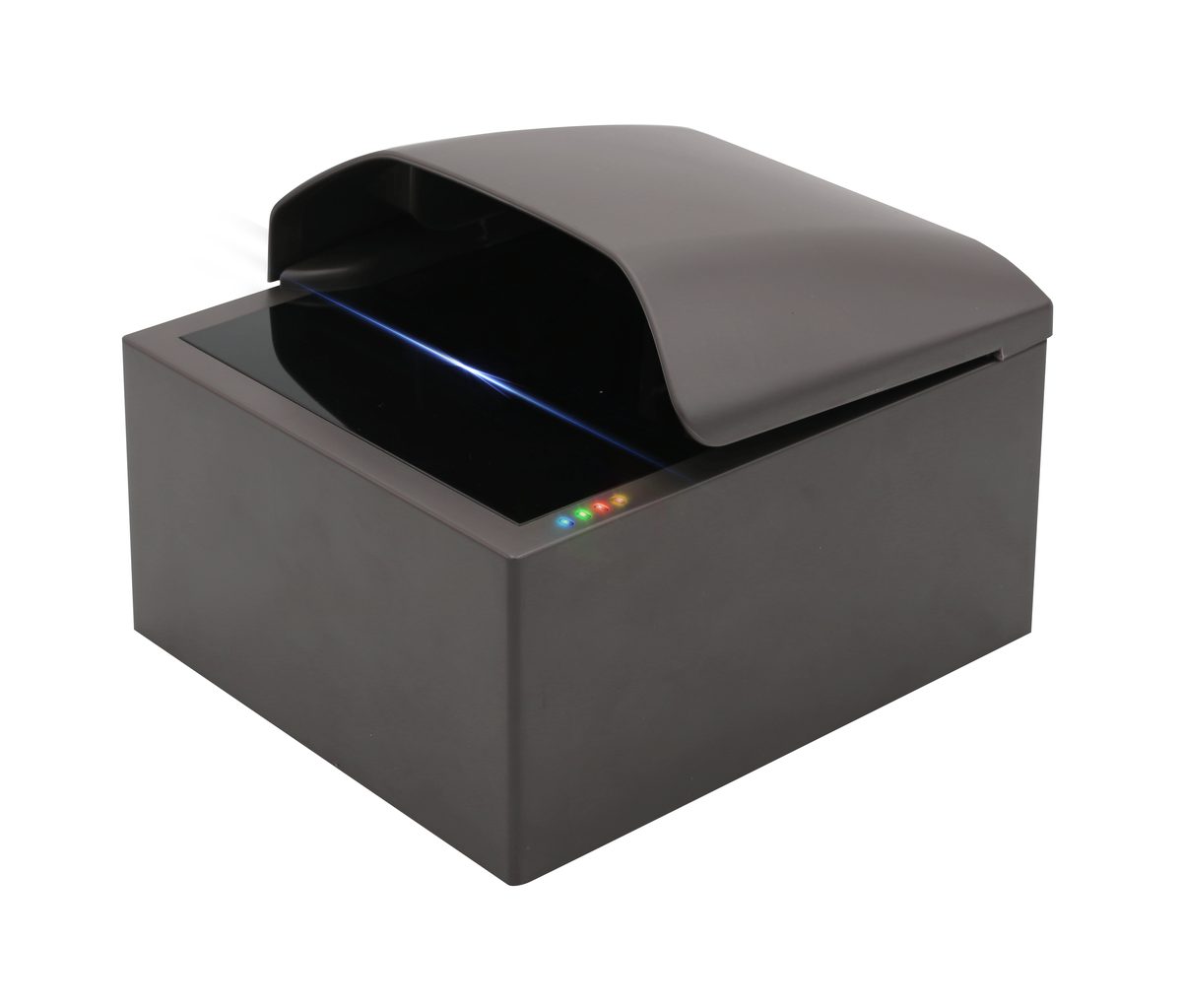
| Housing | Grey canopy hood over a dark base, with printed capture-guide panel; desktop form factor |
| OS & SDK | Windows and Android; SDK with sample code, demo tools and structured output |
| Certification | CE, FCC, RoHS compliant; ISO 9001 certified factory |
| Warranty | 1 year standard, extendable to 3 years; lifetime technical support |
| MOQ & Lead Time | Sample MOQ 1 unit (5–10 days); bulk 15–25 days |
Where the Smart Reader Is Deployed
Self-Service Border Kiosks
Guided capture reduces assistance needed at e-gates and kiosks.
Hotel Self Check-In
Clear on-panel guidance for unattended guest registration.
Banks & Notaries
Document and ID verification for account opening.
Government Service Halls
Self-service identity verification for permit counters.
Airline Self Check-In
Guided document scanning at unattended check-in kiosks.
Healthcare Registration
Self-service patient identity and document capture.
Full Product Detail Photos
Real listing photography for this model — specifications, features and application scenarios.









Pairs Well With
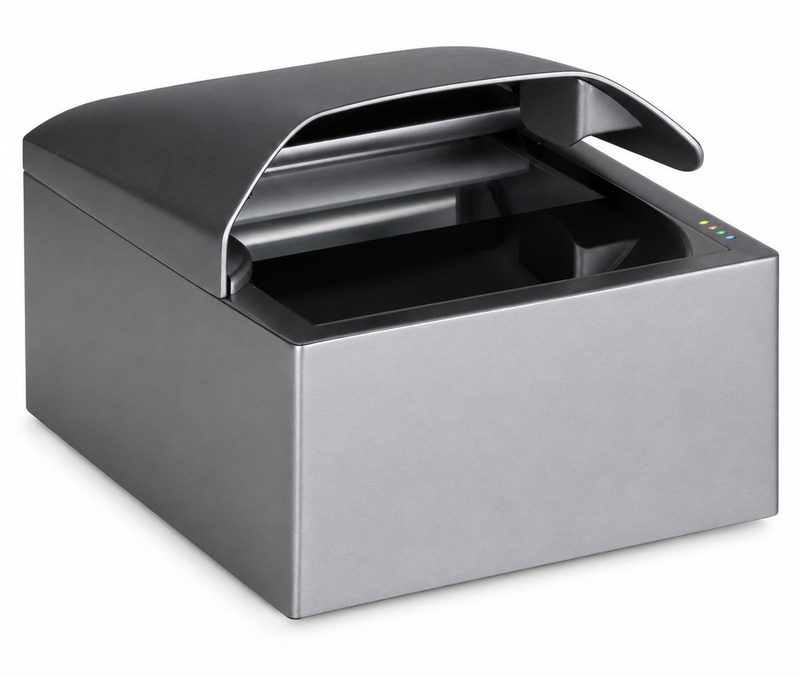
Canopy Full-Page Passport Reader
Our standard canopy-hooded full-page reader.
View product →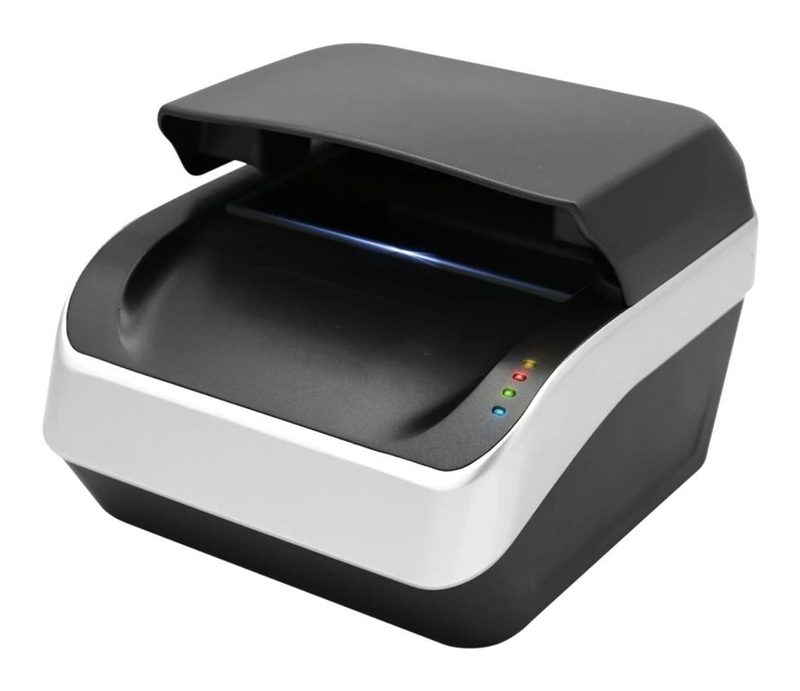
Tri-Tone Full-Page Passport Reader
Features a visible scan-line indicator during capture.
View product →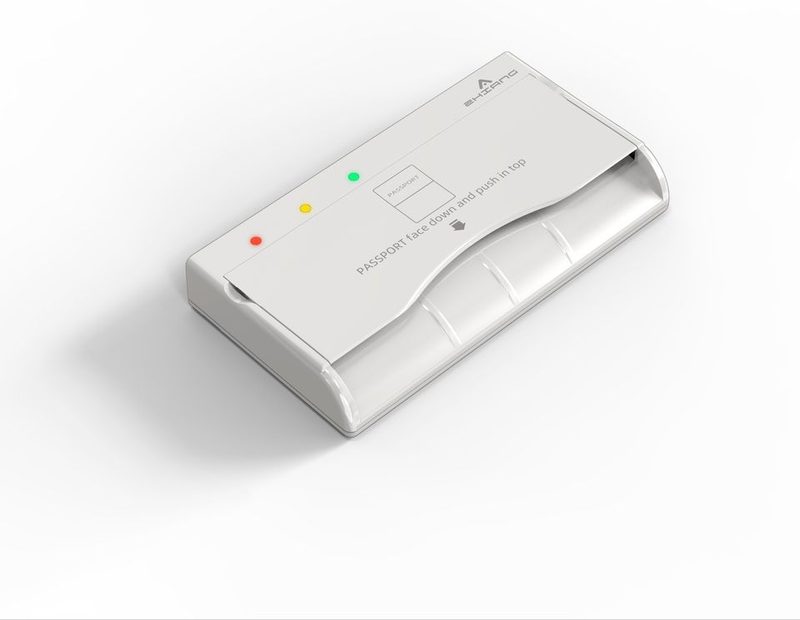
Compact Passport Reader — White
Need a smaller counter footprint instead? See our compact line.
View product →Smart Full-Page Reader FAQ
What is the on-panel guide for?
Does the fingerprint capture module come standard?
Does this reader capture the whole page or just the MRZ strip?
Is RFID chip reading included by default?
Specify Your Smart Full-Page Reading Project
Tell us which document types, verification level and biometric needs you have — get model options and pricing within 24 hours.
Talk to an Engineer